Before Your Pydantic-AI Agent Fetches Another Page, Run This Containment Check
Pin the fixed pydantic-ai release and run three exposure checks before an agent fetches untrusted pages.
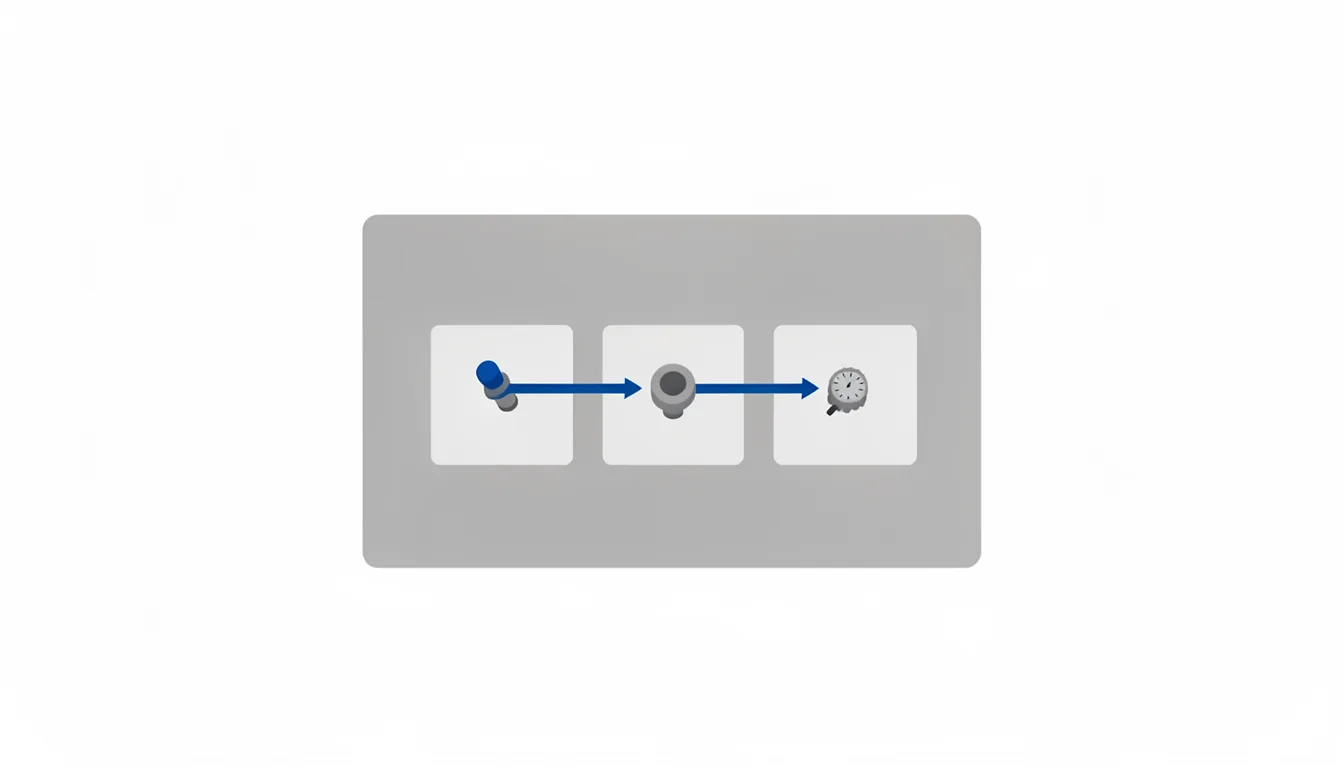
The fetch path is the containment surface
Your Pydantic-AI agent can fetch a page it should not read. A hostile page can stall the worker without crashing it. Before the next fetch, pin the fixed release and run three exposure checks. The prompt may be untrusted, the target hostile, the response large, the UI open. Each path needs a check.
The gate lives in the deploy, not in the prompt. The model can be safe and the fetch path can still fail. It checks the pinned release, the exposed endpoints, and the runtime limits. It blocks a deploy when any one is missing.
List every path that can pull remote content: the main fetch tool, media downloads, file URLs, and any helper that opens a network connection. Disable a path if the agent does not need it. If it is needed, put it behind the same gate as the agent runtime.
Memory pressure is the first exposure
CVE-2026-107290 is an availability-only issue in pydantic-ai's local web-fetch tool. A large response can pin the event loop. The agent appears alive, but the worker cannot return. The stall looks like a timeout, not a crash. Users see a slow answer. The operator sees a hung worker. The damage is operational, but it is a security failure because a remote page caused it.
The failure shape is simple: the worker holds too many bytes before it can reject them. A hostile page can request enough data to exhaust the worker. The fix has to stream and cap the body. The check has to prove the cap is active in the build you ship.
CVE-2026-107294 covers pydantic-ai releases from 1.77.0 up to 1.107.2 and 2.24.0, in which web_fetch_tool and remote FileUrl media downloads hold the entire HTTP response in memory before size limits are applied. Isolate the fetch worker where you can. A timeout should kill the request, not the whole agent. Concurrency limits matter too. One bad page should not block every worker while the rest of the service waits.
The web UI is the second exposure
A chat endpoint can be more than a debug surface. If it is reachable, a browser can send a request the user never intended. Pydantic-ai's web UI chat endpoint has a CSRF weakness because the post_chat handler does not require a JSON Content-Type header.
Request forgery matters because the agent already has capabilities. A forged chat request can trigger fetches or other agent actions. The exposure check is simple: if the UI is public, the patch level must cover it.
Do not leave the UI open for convenience. Put it behind authentication, or disable it in production. If you keep it for debugging, treat it like an admin endpoint. It should be reachable only from trusted networks, and it should not be the default path for agent traffic.
Check the request validation, not just the login. A browser can be tricked into sending a request that looks normal to a weak handler. The gate should confirm the endpoint expects the right content type and rejects anything else.
Run the gate before the next fetch
Keep this list next to the deploy checklist. If one fails, stop the fetch path and patch the pin.
- Set the version gate. CVE-2026-107290 affects pydantic-ai versions from 1.77.0 before 1.107.6 and from 2.0.0-b.1 before 2.44.0. Pin the 1.x and 2.x lines outside that range.
- Check the memory exposure. CVE-2026-107294 is resolved in pydantic-ai 1.107.2 and 2.24.0.
- Check the web UI exposure. The fix for the pydantic-ai web UI CSRF issue is to upgrade to 1.107.4 or 2.28.0.
- Check the streaming exposure. Patched pydantic-ai versions for GHSA-v2xh-2vp8-57h8 apply a default 50 MiB streaming limit to web-fetch and FileUrl downloads.
The gate is only as strong as the oldest exposed build. A patched pin is not enough if another runtime still runs an older copy. Inventory every runtime and dependency file that can reach the same tools.
Make the gate part of the deploy, not a manual memo. The deploy check should fail when the pin is below the gate. The same check should run in a test environment, where untrusted prompts are easiest to test. Run it before every deploy and before every prompt that can reach the fetch tool.