Stop support agents from acting on misread screenshots: preprocess, threshold, verify
Use a three-gate screenshot rule: normalize and crop, check OCR confidence and entity match, then verify against ticket context before the agent acts.
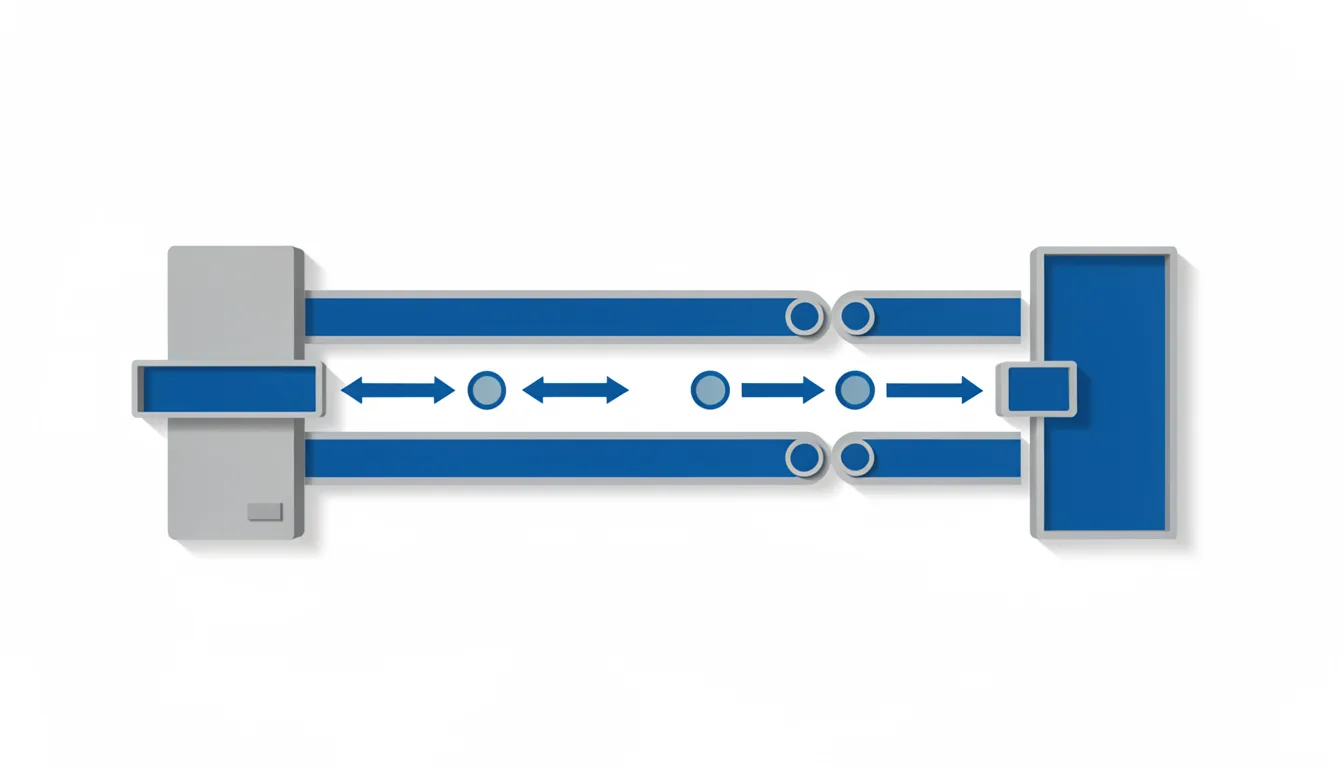
On March 11, 2026, Azure SRE Agent mistook its portal interface for the Itemwise app after a user posted a screenshot of a failing chat thread. During the same incident, the agent recognized a second Azure SRE Agent conversation but could not pull out the error message or determine the failure from the screenshot. The agent did not need a better model first. It needed a gate.
A support agent screenshot pipeline should treat every image as untrusted input. The user sees a problem. The model sees pixels. The ticket carries the context that separates a real error from a UI artifact. Build the workflow so the agent cannot act until the image passes three checks.
- Normalize and crop the image.
- Require OCR confidence and an entity match.
- Verify the extracted error against ticket context or request a clearer image.
Normalize before the model guesses
Preprocess every image before it reaches the vision model. Resize it to a stable width. Crop out chat-client UI, watermarks, timestamps, and unrelated panels. Deskew the image if the user photographed a screen. Remove compression artifacts that turn small text into noise. Done looks like a clean crop around the error region, with the app surface visible and no surrounding navigation that can mislead extraction.
Preprocessing is not a cosmetic step. A broken chat thread can include the support tool, the app under test, and a browser frame in one image. If the model sees all of it, it may attach the error to the wrong product. The crop must preserve the error text, the app name, and enough surrounding UI to confirm the screen. If the crop removes the error, reject the image and ask for a clearer one.
Require confidence and entity match before extraction counts
Run optical character recognition and a vision-language model on the normalized crop. Require a minimum OCR confidence for the error string. Require the extracted app name or product entity to match the ticket. If the text is partial, do not fill the gap with a plausible error. The output is a structured record: error text, confidence score, matched entity, and unmatched tokens.
The common mistake is to let the model write a diagnosis from the first pass. Do not let the agent create an incident from an unverified screenshot. A support agent can read a screen and still miss the failure mode.
Astraix includes an Issue Image Scanner, a Knowledge Base Recommender, an Auto Incident Creator, and Auto-Routing for IT self-service and incident handling. For screenshot submissions, Astraix relies on Google Gemini, a vision-language model, to extract error text, interface elements, and system-state cues. For difficult screenshots, the Astraix team built a custom pipeline that combines Gemini vision, optical character recognition, and pattern recognition. Accurate screenshot interpretation was a major challenge in building Astraix because screenshots are a notoriously difficult input type.
Verify the error against the ticket, not the pixels
Compare the extracted error to the ticket title, product, environment, and user description. Stop if the error mentions a product absent from the ticket or the extracted app name conflicts with the ticket. Request a clearer image if the error text is too short to identify the failure. The result is a verified error object or a clarification request, not a draft incident.
Verification is a separate check, not a prompt instruction. The model can be told to be careful. The workflow can make it impossible to proceed. Store the extracted error, the matched entity, and the mismatch reason. If the image passes, the agent may open a ticket, route it, or suggest a fix. If it fails, the agent asks for a better screenshot or escalates to a human.
Build a small failure set before you tune thresholds. The Who&When Pro benchmark contains 12,326 labeled failed agent trajectories spanning 26 benchmarks and 3 modalities. You do not need to copy its scope. Collect misreads, label the failure point, and test the gate against them.
Log every rejected image with its confidence score, crop hash, and context mismatch. Review the rejects weekly. The review shows reason codes, not silent drops. Do not block every ambiguous image. Fix the gate that missed them.